
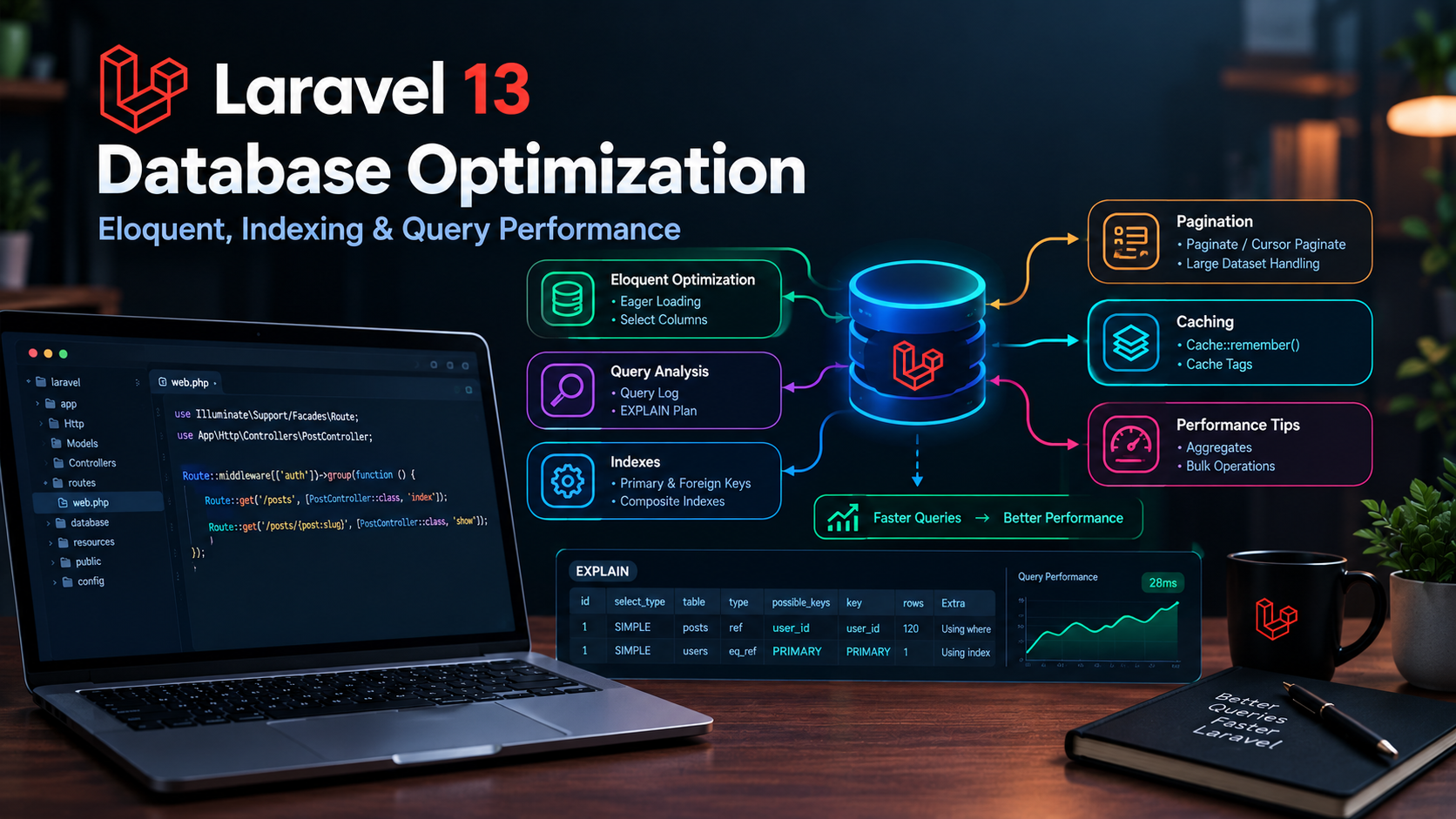
Laravel 13 Database Optimization: Eloquent, Indexing & Query Performance
Database performance can make or break a Laravel application.
An application may feel fast with a few hundred records, but inefficient queries, missing indexes, excessive database requests, and poorly designed Eloquent relationships can become serious bottlenecks as your application grows.
Laravel 13 provides an expressive Eloquent ORM and powerful database tools, but writing clean Laravel code does not automatically mean your queries are optimized.
In this practical guide, we'll look at the most important Laravel 13 database optimization techniques, including Eloquent query optimization, eager loading, database indexes, query inspection, pagination, bulk operations, caching, and production best practices.
Why Laravel Database Optimization Matters
Your Laravel application's database is often one of the most important components affecting response time.
Consider a page that displays 100 products.
If your application makes hundreds or thousands of unnecessary queries to retrieve those products and their relationships, the page can become slow even when the PHP code itself is efficient.
Common database performance problems include:
- N+1 queries
- Missing database indexes
- Loading unnecessary columns
- Retrieving too many records
- Inefficient relationships
- Repeated queries
- Large unpaginated datasets
- Performing operations one record at a time
- Missing caching opportunities
The good news is that many of these problems can be identified and fixed without rewriting your entire application.
1. Avoid the N+1 Query Problem
One of the most common Laravel performance problems is the N+1 query problem.
Suppose you have users and posts:
$users = User::all();

foreach ($users as $user) {
    echo $user->posts->count();
}
The initial query retrieves the users, but accessing $user->posts can trigger additional queries.
If you have 100 users, you could end up with approximately:
1 query for users
+
100 queries for posts
=
101 queries
That is the classic N+1 problem.
2. Use Eager Loading
Laravel Eloquent provides eager loading to retrieve relationships efficiently.
Instead of:
$users = User::all();
use:
$users = User::with('posts')->get();
Now Laravel can retrieve the users and their related posts using a much smaller number of queries.
For example:
$users = User::with('posts')->get();

foreach ($users as $user) {
    echo $user->posts->count();
}
This is one of the simplest and most effective Eloquent optimization techniques.
3. Eager Load Multiple Relationships
You can load multiple relationships at the same time:
$posts = Post::with([
    'author',
    'comments',
    'category',
])->get();
This is useful when a page requires several related models.
However, don't blindly eager-load every relationship.
Only load relationships that the current request actually needs.
4. Use Nested Eager Loading Carefully
Relationships can also be loaded several levels deep.
For example:
$posts = Post::with([
    'author.company',
])->get();
This can be useful when displaying information from related models.
But deep relationship graphs can also retrieve a significant amount of data.
A good rule is:
Optimize for the data the page actually needs, not everything the model can access.
5. Select Only the Columns You Need
This:
$users = User::all();
retrieves all columns from the users table.
If you only need a few fields, select them explicitly:
$users = User::select([
    'id',
    'name',
    'email',
])->get();
This can reduce:
- Database I/O
- Memory usage
- Network transfer
- PHP processing
For large tables, selecting only required columns becomes increasingly useful.
6. Be Careful With Eloquent Relationships
Suppose a user has thousands of orders.
This:
$user->orders;
could load a very large collection into memory.
If you only need the number of orders, don't load all the records.
Use:
$user->orders()->count();
Likewise, if you need only the latest order:
$user->orders()->latest()->first();
The principle is simple:
Don't retrieve records when you only need an aggregate or a small subset.
7. Use Database Indexes
Indexes are one of the most important database optimization techniques.
Suppose your application frequently searches users by email:
User::where('email', $email)->first();
The email column should normally have an appropriate index, often a unique index if emails must be unique.
In a Laravel migration:
$table->string('email')->unique();
For a frequently filtered column:
$table->index('status');
You can also create a composite index:
$table->index([
    'status',
    'created_at',
]);
Indexes allow the database engine to locate matching records more efficiently.
8. Don't Index Everything
More indexes are not always better.
Indexes consume storage and can increase the cost of:
- INSERT operations
- UPDATE operations
- DELETE operations
Before adding an index, consider how the column is actually used.
Good candidates often include columns frequently used for:
WHERE
JOIN
ORDER BY
But the right indexing strategy depends on your actual queries and database workload.
9. Index Foreign Keys
Foreign keys are commonly used in Laravel relationships.
For example:
$table->foreignId('user_id')
    ->constrained();
The database schema should support the queries your application performs against those relationship columns.
For large datasets, make sure frequently queried relationship columns have appropriate indexes.
10. Understand Composite Indexes
Suppose your application frequently runs a query like:
Order::where('user_id', $userId)
    ->where('status', 'paid')
    ->latest()
    ->get();
A composite index involving the relevant columns may be more useful than several unrelated single-column indexes.
For example:
$table->index([
    'user_id',
    'status',
]);
The correct column order matters.
Don't automatically create composite indexes based only on the order in your PHP code. Analyze the actual database queries and workload.
11. Use Query Logging During Development
When debugging database performance, you need to know what queries Laravel is actually executing.
Laravel provides tools for inspecting database queries.
For example:
DB::listen(function ($query) {
    logger($query->sql, $query->bindings);
});
This can help identify unexpectedly repeated queries.
For production applications, avoid leaving verbose query logging enabled unnecessarily because it can create additional overhead and large log files.
12. Use Laravel's Query Builder When Appropriate
Eloquent is excellent for application development, but you don't have to use Eloquent for every database operation.
For example:
$users = DB::table('users')
    ->where('active', true)
    ->get();
Query Builder can be useful when you need a focused query without requiring full Eloquent model hydration.
However, don't switch away from Eloquent automatically.
Choose the approach that provides the best combination of:
- Readability
- Maintainability
- Performance
- Application requirements
13. Avoid Loading Huge Datasets
This can become dangerous:
$users = User::all();
If your users table eventually contains millions of records, loading everything into memory is obviously impractical.
Instead, process records in smaller batches.
For example:
User::chunkById(500, function ($users) {
    foreach ($users as $user) {
        // Process user
    }
});
This allows your application to work through large datasets without loading everything into memory simultaneously.
14. Use Lazy Processing for Large Datasets
For some workloads, Laravel provides lazy approaches that allow records to be processed progressively.
For example:
User::lazyById(500)->each(function ($user) {
    // Process user
});
This can be useful for maintenance scripts, migrations, reports, and other operations involving large tables.
The important principle is to avoid unnecessary memory consumption when processing large datasets.
15. Use Pagination
Never return thousands of records to a normal web page when the user only needs a small portion at a time.
Instead of:
$posts = Post::latest()->get();
use pagination:
$posts = Post::latest()->paginate(15);
Now the application retrieves only the records required for the current page.
Pagination improves:
- Database workload
- Server memory usage
- Response size
- Page rendering
- User experience
16. Use Cursor Pagination for Large Datasets
For very large datasets, cursor-based pagination can be more efficient than traditional offset pagination.
For example:
$users = User::orderBy('id')
    ->cursorPaginate(50);
Cursor pagination is particularly useful for APIs and large, continuously growing datasets.
It avoids some of the scalability problems associated with very large offsets.
17. Avoid SELECT * When You Don't Need It
A query like:
DB::table('orders')->get();
can retrieve every column.
If an API only needs:
id
total
status
created_at
request only those fields:
$orders = DB::table('orders')
    ->select([
        'id',
        'total',
        'status',
        'created_at',
    ])
    ->get();
This makes the application's data flow more intentional.
18. Use Aggregates Instead of Loading Records
Suppose you want to display the number of comments on every post.
Don't necessarily retrieve every comment.
Instead:
$count = $post->comments()->count();
Other useful database aggregates include:
$count = Order::count();

$total = Order::sum('amount');

$average = Order::avg('amount');

$maximum = Order::max('amount');

$minimum = Order::min('amount');
These operations let the database perform the calculation rather than transferring unnecessary rows to PHP.
19. Use exists() When You Only Need to Check Existence
Instead of:
$user = User::where('email', $email)->first();

if ($user) {
    // ...
}
if you only need to know whether a matching record exists:
$exists = User::where('email', $email)->exists();
This communicates your intent more clearly and avoids retrieving an entire model when it isn't needed.
20. Be Careful With count() in Loops
Avoid repeatedly executing database queries inside loops.
For example, this can become expensive:
foreach ($users as $user) {
    echo $user->orders()->count();
}
If you need counts for many users, consider retrieving the required relationship counts as part of the query.
For example:
$users = User::withCount('orders')->get();
Then:
foreach ($users as $user) {
    echo $user->orders_count;
}
This can significantly reduce unnecessary database queries.
21. Cache Expensive Database Queries
Some queries are expensive but don't change frequently.
Caching can reduce repeated database work.
For example:
$categories = Cache::remember(
    'categories',
    now()->addHour(),
    fn () => Category::orderBy('name')->get()
);
Now repeated requests can use the cached result instead of querying the database every time.
Caching is particularly useful for:
- Configuration-like data
- Categories
- Navigation data
- Popular content
- Expensive reports
- Frequently accessed reference data
Don't cache everything.
Caching introduces invalidation and consistency considerations, so use it where the performance benefit justifies the complexity.
22. Use Cache Tags Only Where Supported
If your cache driver and application architecture support cache tagging, tags can help organize related cached data.
However, don't assume every cache driver supports every cache feature.
Always consider your actual production cache driver before designing your caching strategy around a specific feature.
23. Optimize API Queries
APIs can easily become inefficient when returning large datasets.
Instead of:
return User::with([
    'orders',
    'payments',
    'addresses',
])->get();
consider what the API consumer actually needs.
A more focused response might use:
return User::select([
    'id',
    'name',
    'email',
])->paginate(25);
Then load only the relationships required for that endpoint.
This keeps API responses smaller and reduces database work.
24. Don't Forget Database Transactions
Performance optimization isn't only about making individual queries faster.
Correct database operations can also reduce unnecessary work.
When multiple related database changes must succeed or fail together, use a transaction:
DB::transaction(function () {

    $order = Order::create([
        'user_id' => 1,
        'total' => 100,
    ]);

    Payment::create([
        'order_id' => $order->id,
        'amount' => 100,
    ]);

});
Transactions protect data consistency and can be especially important for financial or multi-step operations.
25. Inspect Slow Queries at the Database Level
Laravel optimization should not stop at PHP code.
When a query is slow, investigate the actual SQL execution plan.
For MySQL, tools such as:
EXPLAIN
can show how the database plans to execute a query.
For example:
EXPLAIN
SELECT *
FROM orders
WHERE user_id = 25
AND status = 'paid';
This can help reveal:
- Missing indexes
- Full table scans
- Inefficient joins
- Poor query plans
- Unexpected row counts
Database-level analysis becomes increasingly important as your dataset grows.
26. Keep Database Schema Clean
Performance problems can sometimes originate from the schema itself.
Review:
- Column data types
- Indexes
- Foreign keys
- Nullable columns
- Duplicate indexes
- Large text fields
- JSON usage
- Relationship design
Avoid storing everything as a JSON column simply because it is convenient.
Structured relational data can often be queried and indexed more effectively.
27. Optimize Database Queries Before Optimizing PHP
Suppose a Laravel request takes two seconds.
Don't immediately assume PHP is the problem.
The actual bottleneck might be:
HTTP request
      ↓
Laravel
      ↓
Controller
      ↓
Eloquent
      ↓
Database
      ↓
Slow query
      ↓
2-second response
Optimizing PHP code won't necessarily fix a slow SQL query.
Always identify the actual bottleneck first.
28. A Practical Optimization Checklist
When a Laravel page is slow, work through this checklist.
Query count
Ask:
How many database queries does this request execute?
Query time
Find out:
Which queries are taking the most time?
N+1 problems
Check:
Are relationships being queried repeatedly inside loops?
Indexes
Ask:
Are frequently filtered and joined columns indexed appropriately?
Selected columns
Check:
Am I retrieving columns the application doesn't need?
Pagination
Ask:
Am I loading thousands of records unnecessarily?
Caching
Consider:
Can expensive, frequently repeated data be cached safely?
Database execution plan
For slow queries:
Use EXPLAIN and investigate the actual query plan.
29. Example: Before and After
Consider this inefficient example:
$posts = Post::all();

foreach ($posts as $post) {
    echo $post->author->name;
}
Potential problem:
1 query → posts
N queries → authors
A better approach:
$posts = Post::with('author')->get();

foreach ($posts as $post) {
    echo $post->author->name;
}
Now the relationships are eager loaded.
If the page contains thousands of posts, improve it further:
$posts = Post::with('author')
    ->latest()
    ->paginate(20);
Now you have addressed several problems:
- Eager loading
- Pagination
- Ordering
- Reduced memory usage
This is the type of incremental optimization that makes a real difference in production Laravel applications.
30. Combine Database Optimization With Application Performance
Database optimization should not be considered separately from the rest of your Laravel application.
For example:
Database
   ↓
Eloquent optimization
   ↓
Caching
   ↓
Queues
   ↓
PHP optimization
   ↓
Web server optimization
A fast Laravel application usually requires attention across the entire request lifecycle.
For more techniques covering caching, queues, database performance, and production server tuning, read:
Laravel 13 Performance Optimization: Practical Tips to Make Your Application Faster
You can also learn how to deploy a Laravel application correctly on a VPS:
How to Deploy a Laravel Application on a VPS
Conclusion
Laravel 13 makes database-driven application development straightforward, but Eloquent's simplicity can sometimes hide expensive database operations.
The most important optimization techniques to remember are:
- Avoid N+1 queries
- Use eager loading
- Select only required columns
- Add appropriate indexes
- Use pagination
- Use cursor pagination for suitable large datasets
- Process large datasets in chunks
- Use database aggregates
- Use
exists()when you only need an existence check - Use
withCount()for relationship counts - Cache expensive and frequently accessed data
- Inspect slow SQL queries
- Use database execution plans
- Keep your schema clean
- Measure before and after making changes
The goal isn't to make every query complicated.
The goal is to make the database do the right amount of work.
A well-optimized Laravel application should retrieve only the data it needs, execute as few unnecessary queries as possible, and use the database's indexing and aggregation capabilities effectively.
When combined with proper caching, queues, application optimization, and production server configuration, these techniques provide a strong foundation for building Laravel applications that remain fast as traffic and data grow.